EPM Calculation Manager hasn't changed in 15 years.
You've felt it every time that beige little dialog box loads. So did we.
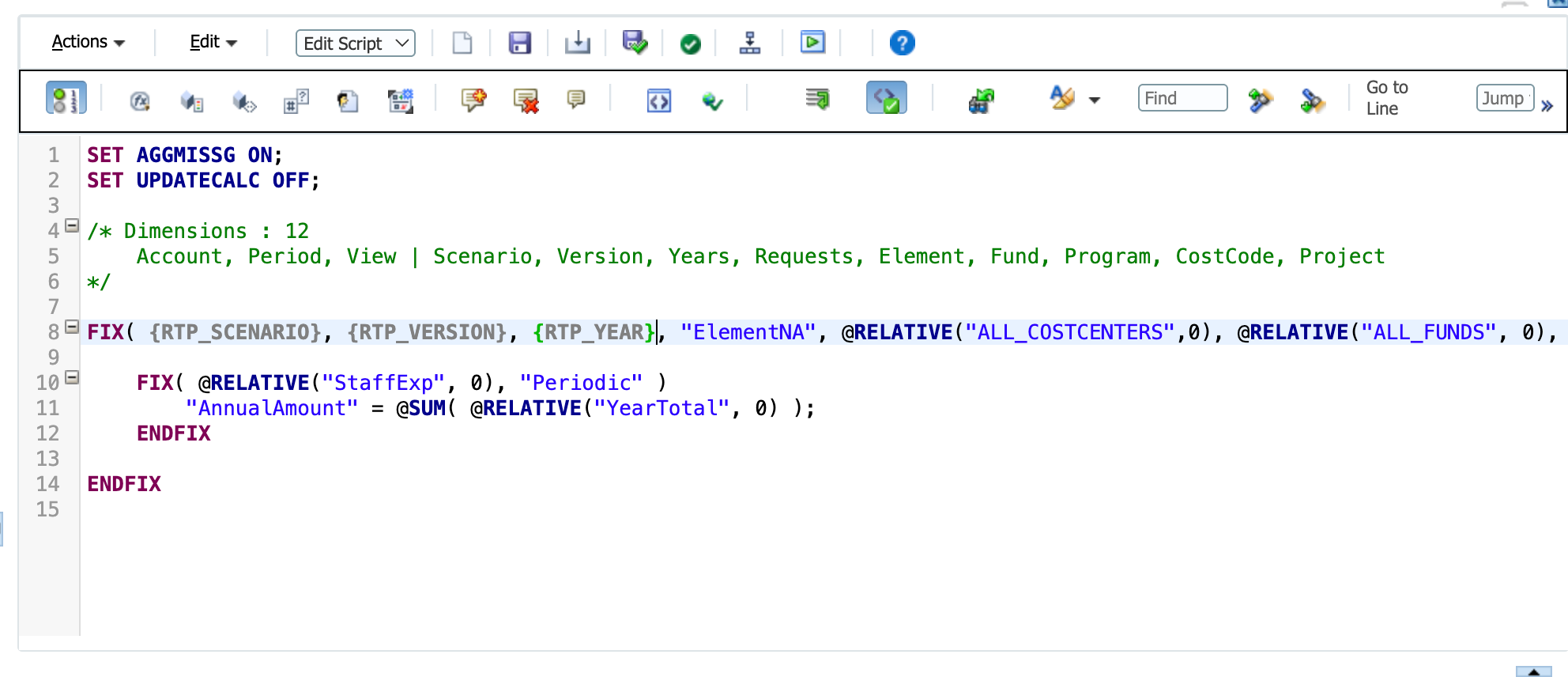
actual screenshot · Calculation Manager
A Modern IDE Experience for developing EPM Rules
Real intelligence across both Groovy and calc script: completion, diagnostics, hover docs, and one-key formatting on native files, with Full Application Intelligence that reads across every rule, template, and script, not just the file you have open.
Autocomplete & intellisense for both Groovy and Calc Scripts
Fed from your application
Everything the editor knows about your app becomes completion.
API Docs & Hover Annotations baked right in.
The full EPM Groovy API reference lives inside the editor. Hover for the docs you need, or open the searchable reference in the side panel. No browser, no PDF, no tab-switching.
- Hover any EPM Groovy API call for inline documentation
- Full searchable reference docked in the side panel
- Right-click any type to jump straight to its docs
- Bundled with the extension, so it works completely offline
Bring your AI.
Because your rules are native files, any coding assistant can read and write them directly. No plugin, no proxy, no permission slip.
- Works with Claude Code, Codex, GitHub Copilot, and any other AI tool and harness
- Your existing subscriptions and policies apply. AI runs through each provider's own extension, never through us
- Application context comes free: native VS Code means your assistant sees the same rules, templates, and dimensions you do
- File-system access means real review. It scans whatever it needs to assess a change
FIX("Actual", &CurrYear, @RELATIVE("Entity", 0))
Dimensions you can actually search.
Browsing an outline in the Planning UI is slow. We spent a considerable amount of time making this viewer the opposite: it loads your whole outline, a million members and more, and search, scroll, and navigation all feel instant.
a real 1,131,306-member dimension · search, scroll, filter · instant
- Search a million members at typing speed: names and aliases, no spinners
- Expand, collapse, and scroll hierarchies with zero lag and no page reloads
- Filter by member properties like storage, formulas, and UDAs to find outline issues fast
- Member details in a click: properties, per-cube settings, and formulas beside the tree
- Artifact browser lists every rule, template, script, and variable in the Pod
Fully git enabled.
Modern implementation practices finally come to EPM teams. Every rule is a plain file in your repo: versioned, diffable, reviewable, and revertible.
- Line-by-line diffs on every rule change
- Pull requests and code review for calculation logic
- Roll back to any commit, any time
Live to your Pod, or fully air-gapped.
The same workspace, the same intelligence, connected to Oracle or completely offline.
Connected to your Pod
Same workspace, no network
- Populated from a disk Snapshot, zero requests
- Full application intelligence, entirely offline
- Built for the SCIF, the plane, the secure room
one click to run · every step timed · the job log beside your code
Either way, all your storage is local.
Your files, optionally your git, then deploy straight to your Pod. There is no server of ours in the path. Rules are never proxied through us.
One workspace. Many Pods.
One VS Code workspace holds many Pod Folders: dev, test, prod, or multiple clients side by side. Each Pod Folder is self-describing, so any folder works standalone.
one workspace · many Pod Folders · switch in a click
- Pods group under Domains: sign in once, reach every Pod it covers
- Credentials stay in VS Code's encrypted secret store: never in project files, never committed
- Offline Pods, with no credential at all, sit right beside connected ones
- Shared Library Folders: your reusable scripts and templates, backed by a git repo, copied into any Pod in a click
Service Account
A shared credential stored in VS Code SecretStorage, serving multiple Pods across a Domain.
Personal OAuth
Per-user sign-in through your own SSO/MFA via device flow. Tokens never leave your machine.
Three lines. Pick one.
Start free. Upgrade only when you connect. 30-day Full trial, no card.
Install Free.
The modern EPM calculation editor, in the editor you already live in.
Add to VS Codemarketplace.visualstudio.com · free forever, no account